

Route
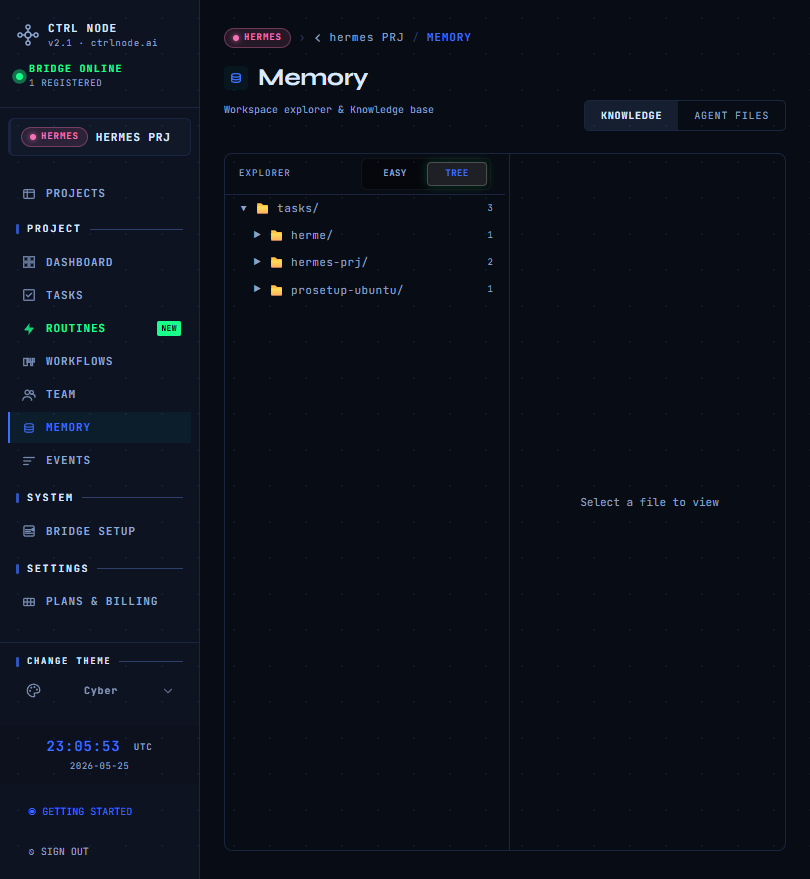
memory for backwards compatibility. In the app sidebar the section is labeled FILES.
Purpose
Files is the project file hub on the Bridge host. Use it to inspect and edit content agents work with — without SSH.TASKS is the default tab. Deep links from task detail or workflows open the right tab and path automatically (
?tab=knowledge|workdir|files&path=...).WORKSPACE tab
With a project work directory
The explorer starts in the folder you configured on the project (repositoryPaths[0]). Breadcrumbs show PROJECT WORK DIRECTORY and you cannot navigate above that root while staying in project scope.
Use the .ctrlnode breadcrumb or button to jump to Bridge CTRLNODE_ROOT ({BASE_PATH}/.ctrlnode) — shared Bridge metadata, not the whole disk root.
Without a project work directory
When PROJECT WORK DIRECTORY is empty, WORKSPACE opens{BASE_PATH}/.ctrlnode (same as CTRLNODE_ROOT on the Bridge). The app does not list the raw BASE_PATH root in that case.
This matches WORK DIRECTORY tasks when no project folder is configured: agents use Bridge home under .ctrlnode, not an arbitrary parent directory.
AGENT tab
Visible for agents whose type supports the agent file tree (e.g. OpenClaw, Hermes). Pick an agent in the left column, then browse that agent’s workspace files. Other agent types still use TASKS and WORKSPACE.Bridge required
All tabs need an online Bridge. If disconnected, the page shows a warning and browsing is unavailable.Related
- Project work directory — optional path for WORKSPACE and WORK DIRECTORY tasks
- Task work modes — OUTPUT ONLY vs WORK DIRECTORY
- Bridge configuration —
BASE_PATHand.ctrlnodelayout - Bridge Setup — pairing token and connection status